
What should your blog be about?
Pick a topic you know well that people already search for. A blog grows through search, so the best topic sits where your expertise meets questions your future readers type into Google or ask ChatGPT.
Three free ways to find those questions:
- Type your topic into Google and note the autocomplete suggestions and the “People also ask” box.
- Ask an AI assistant which questions beginners have about your topic, then check the wording people really use.
- List the questions your customers ask you by email or on calls. Each one is a post.
This step matters more than it looks. In Orbit Media's 2026 survey of 1,042 content marketers, those who research keywords were more likely to report strong results, yet fewer marketers than ever do it. Only 13.9% said their blog delivers strong results, an all-time low.
Which free blogging platform should you use?
Choose a hosted platform with a real free plan, technical SEO built in and a path to your own domain. Hosted means there is no server, plugin or update to manage. The four most common free options compare like this:
| Free plan | Ranken Free | Blogger | WordPress.com Free | Substack |
|---|---|---|---|---|
| Free address | yourname.ranken.blog | yourname.blogspot.com | yourname.wordpress.com | yourname.substack.com |
| Ads shown to your readers | ||||
| Your own domain later | From $19/mo, incl. /blog | Free to connect, domain extra | From $4/mo, billed yearly | Yes, domain extra |
| Sitemap and HTTPS | ||||
| Ask Google to index a post | From the dashboard | In Search Console | In Search Console | In Search Console |
| IndexNow for Bing, Yandex and more | Automatic | Not built in | Not on Free | Not built in |
| Built for | Blogs that need search traffic | Personal blogs | Websites and blogs | Newsletters |
Checked on the platforms' own pricing and help pages on November 12, 2026. WordPress.com says free sites show WordPress.com ads to visitors; Substack writers keep 90% of paid subscription revenue. Medium and LinkedIn articles are also free, but your posts live on their domain, so the search value builds their site, not yours.
What Ranken Free includes
- A hosted blog at yourname.ranken.blog with HTTPS
- 7 articles a month, up to 1,500 words each
- $2 of AI credits to research and draft your first posts
- Sitemap, canonical tags and IndexNow on every post
- 11 Google indexing requests a month, scheduling and insights
What needs a paid plan
- Your own domain, subdomain or /blog (Starter, $19/mo)
- llms.txt, schema markup and the live SEO score (Starter)
- Removing the small Powered by Ranken link (Pro, $39/mo)
How do you set up a free blog?
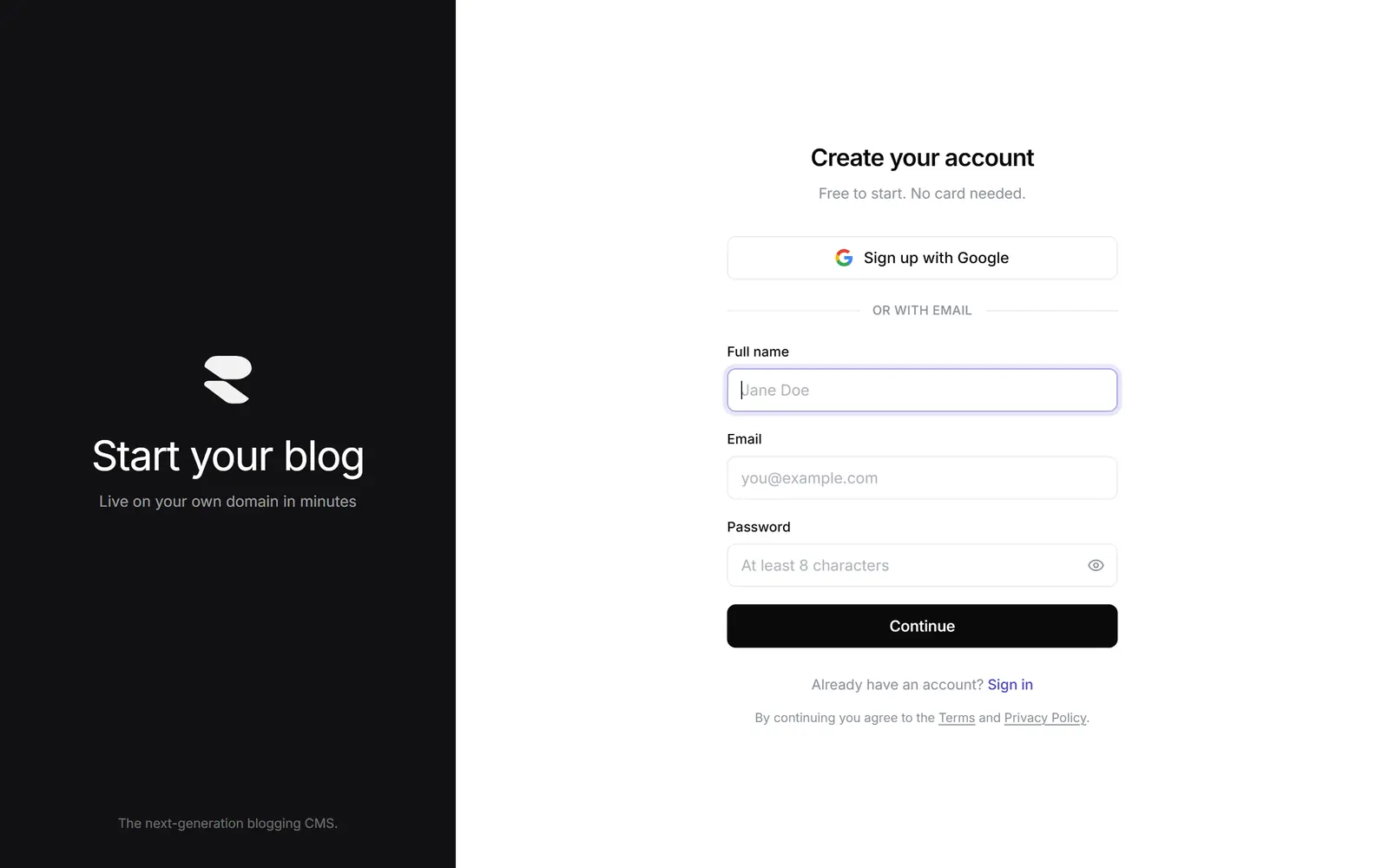
Create an account, name your blog and claim your free address. On Ranken you sign up with Google or an email, with no card, and your blog goes live at yourname.ranken.blog with HTTPS already on.
Choose the name carefully: short, easy to spell and close to your brand. You can connect your own domain, a subdomain like blog.yourcompany.com or a /blog folder later, without rewriting a single post.
How do you design a blog without code?
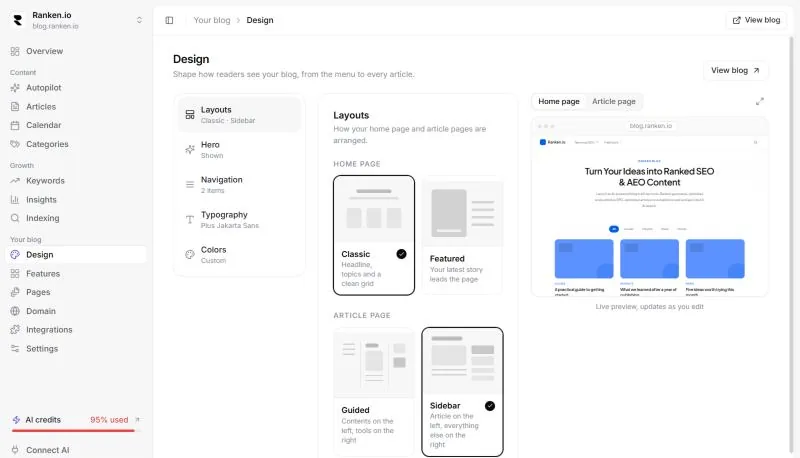
Start from a template, then add your logo, colors, fonts and menu. Readers judge a blog in seconds, and a clean layout that matches your brand makes a new blog look trustworthy before anyone reads a word.
- Use one brand color for links and buttons, and keep the rest neutral.
- Keep the menu short: your main topics plus an About page.
- Pick a body font that stays readable on a phone, where most readers will find you.
How do you write a first post that can rank?
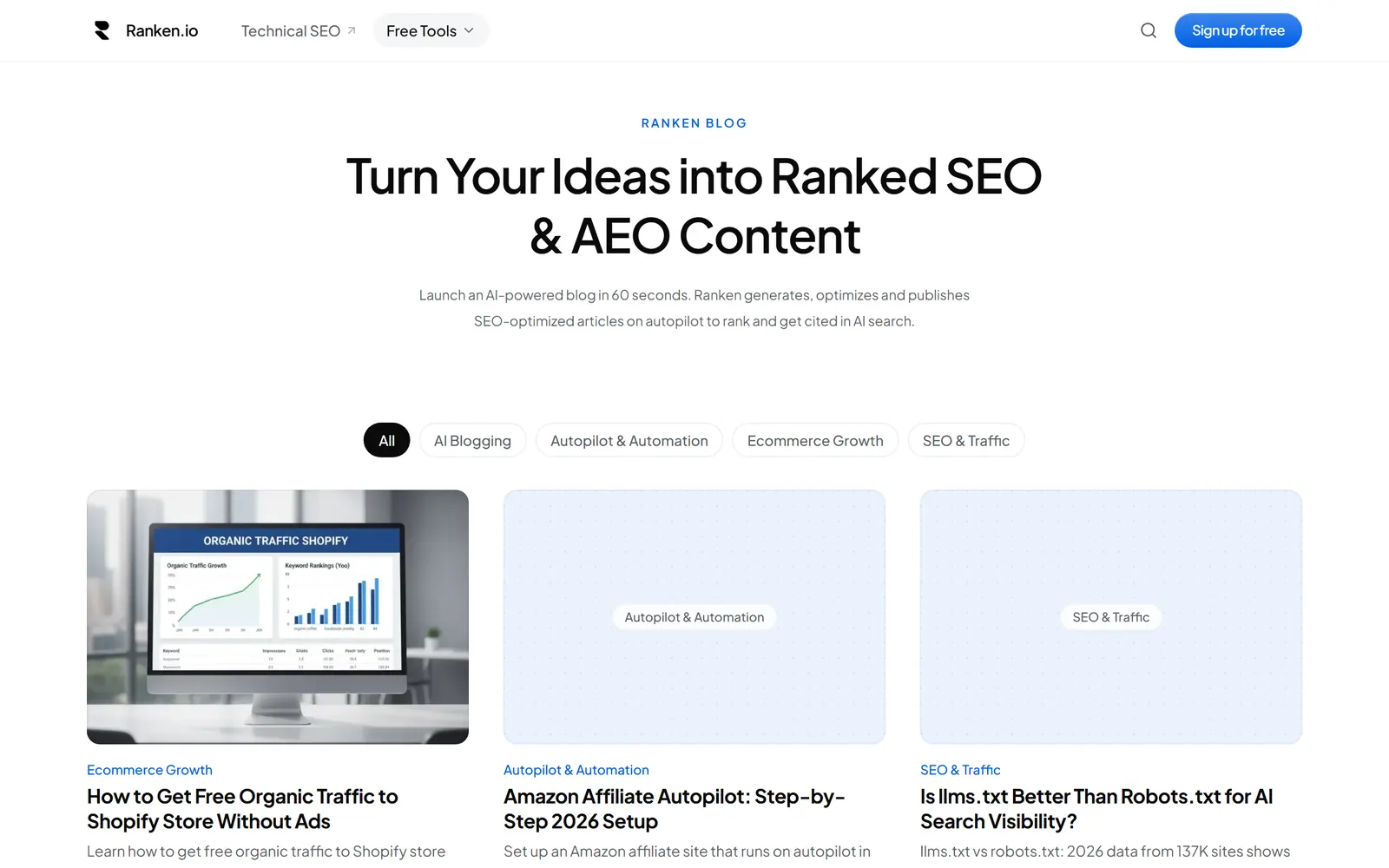
Answer one real question, answer it in the first lines, then go deeper. Search engines and AI assistants both look for the passage that answers a question best, so make that passage easy to find.
- Use the question itself, or close to it, as the title.
- Answer it in the first two or three sentences.
- Break the rest into sections with question headings.
- Add specific numbers, examples and a source for each claim.
- Edit it yourself before you publish, even if AI drafted it.
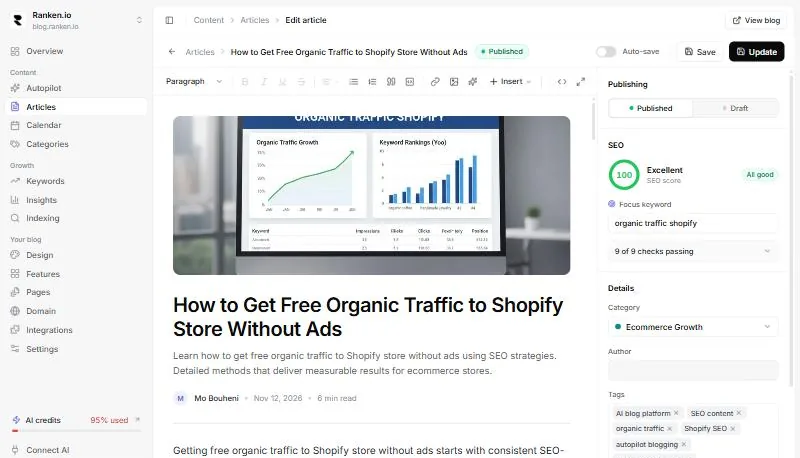
How long? The average post in Orbit Media's 2026 survey was 1,312 words and took 3 hours and 20 minutes to write, and 92.4% of marketers now use AI to help. AI made writing faster but, on its own, did not improve results. Before you publish, run your draft through the free SEO article checker and the title tag checker.
How do you get a new blog on Google?
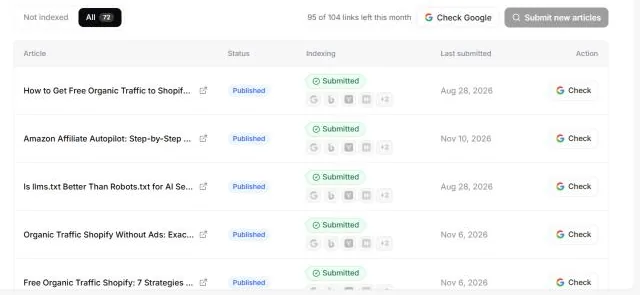
Publish the post, make sure it is in your sitemap, then ask Google to index it and notify other search engines through IndexNow. A brand-new blog has no links pointing to it yet, so telling search engines directly is how its first posts get discovered.
- Google: request indexing for each new URL. Google explains the options in its guide to asking Google to recrawl your URLs.
- Bing, Yandex, Naver, Seznam and Yep: send the URL through IndexNow, one ping that reaches all of them.
- Internal links: link every new post from at least one older one, so crawlers find it on their own.
Ranken does the sitemap and IndexNow for you on every plan, and Free includes 11 Google indexing requests a month from the dashboard. Indexing is still Google's decision and can take days to weeks for a new site.
How do you get a blog cited by ChatGPT and Google AI?
Write answer-first sections, back them with data and sources, and let AI crawlers read your pages. AI assistants answer many questions directly, and when an AI Overview appears the top Google result now gets 58% fewer clicks, according to Ahrefs' study of 300,000 keywords. Being the page the answer cites is the new way to be found.
- Open every section with a one or two sentence answer that makes sense on its own.
- Use question headings that match what people ask.
- Add statistics and quotes with a link to where they come from.
- Check what AI assistants can see with the free AI visibility checker, and create an llms.txt with the llms.txt generator.
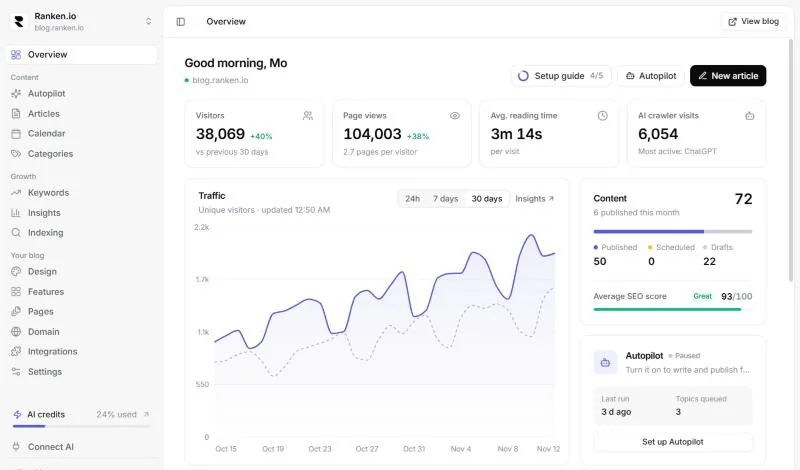
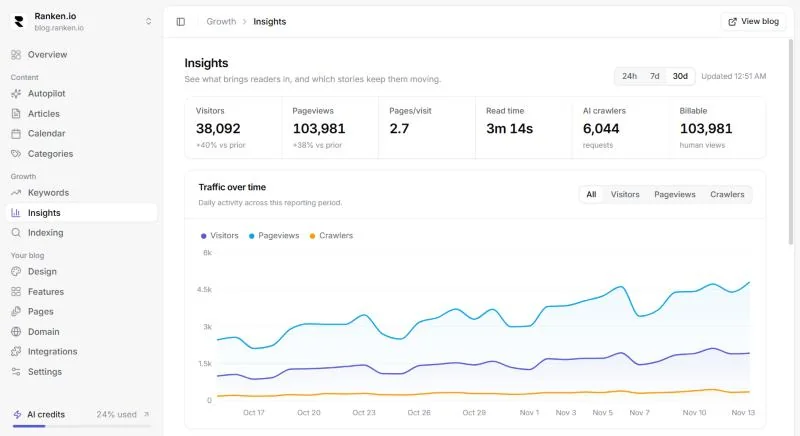
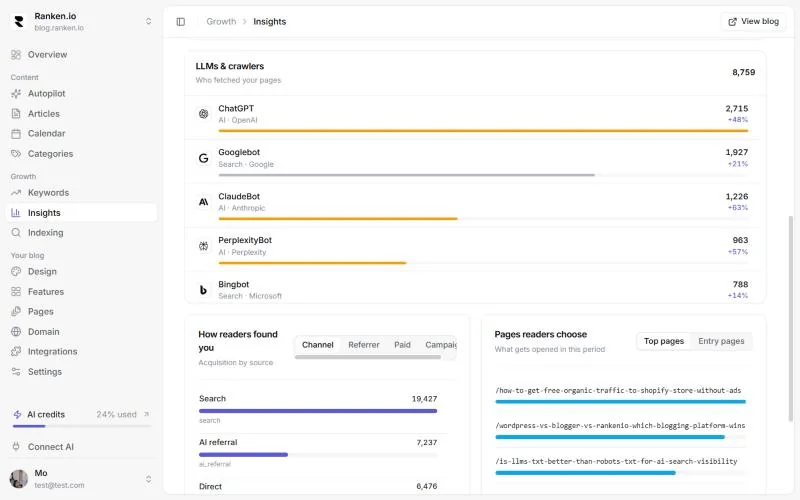
Then track what works. Ranken's Insights show how each post performs on every plan; Starter adds full traffic sources and Pro adds reports on which AI crawlers read your blog, so you can write more of what already brings people in.
What mistakes stop a new blog from growing?
Writing about yourself instead of your reader's question
Readers find a new blog through search. A post titled with a real question beats a post titled with your news.
Picking a platform you cannot grow on
Moving a blog later can break links and reset rankings. Pick one that lets you add your own domain without starting over.
Publishing and never telling search engines
A sitemap helps, but asking Google to index a new post and pinging IndexNow gets it discovered sooner.
Letting AI write the whole post
Orbit Media found that marketers with a human editing step are far more likely to report strong results than those who leave editing to AI.
Quitting before month three
New blogs rarely get search traffic in the first weeks. Steady publishing is what gives Google enough pages to trust.
When should you move from free to paid?
Upgrade when the blog becomes part of your business: when you want it on your own domain, need more than 7 posts a month, or want schema markup, llms.txt and a live SEO score on every post. Until then, the free plan is enough to learn what your readers want.
On Ranken, Starter is $19 a month and Pro is $39 a month, and your first month of either costs $1 on monthly billing. Compare the plans or see how Ranken compares with WordPress.